If you’re ready to place an order, head to woolworthstatwork.com.au and log in using your Woolworths at Work credentials. If you’re a shopper, you’ll be taken straight to the shopping platform. If you’re an admin, you’ll be taken to Work Hub and from there, you can select the ‘Start Shopping’ option.
First, we’ll ask you to select a delivery address and window. This allows us to show you the most accurate product availability for your area and time slot. Remember, delivery is free for orders over $99!1
Then, you’ll be taken through to the shopping platform. If you’ve shopped online with Woolworths, you might notice things look a little different here. That’s because we’ve built this entirely new platform for businesses. You’ll find a curated range of products to help you find the right items faster. Chasing specials can be tricky for budgeting and forecasting, so we use consistent pricing across the range to provide more value for businesses.
You’ll find handy features to speed up your order, including adding products from saved lists to your cart, alternative suggestions for ‘out of stock’ products and smart search to help you reorder your staple items.
When you’re ready to checkout, you can review your delivery details and choose how your order is packed (we don’t charge for packaging or bag fees!). If your business has a Work Account line of credit, select ‘Work Account’ as your payment method. If you’re using a credit card, you can manually enter the details or select a pre-saved credit card.
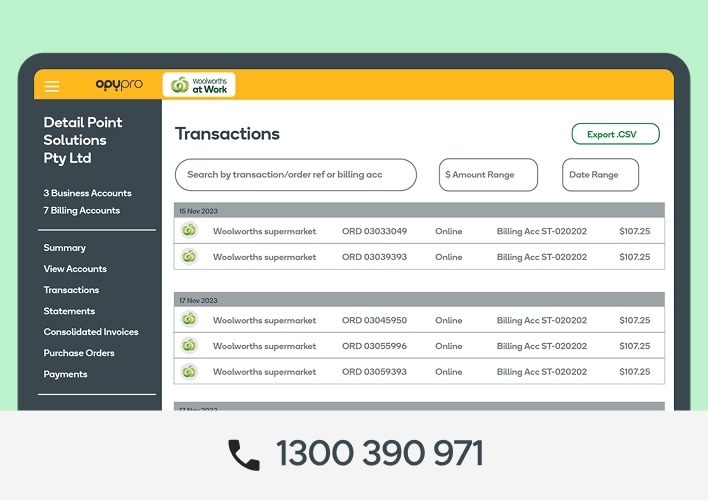
Once you place your order, we’ll confirm the details and send any relevant information, including receipts and invoices, to your designated contacts. Then, all you need to do is wait. We’ll keep you updated on the status of your order. Our delivery driver will also share updates with you on your delivery day.
1 Orders over $99, Excludes Partner Delivery. Subject to availability, excludes remote locations.